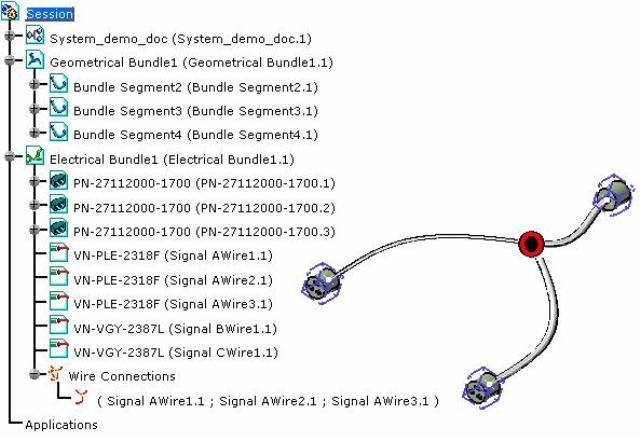
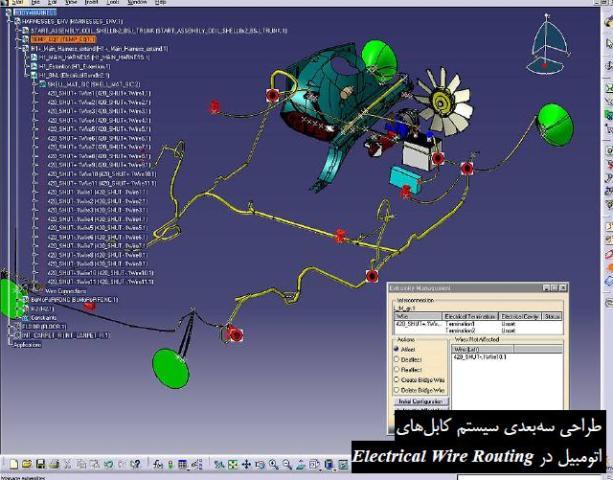
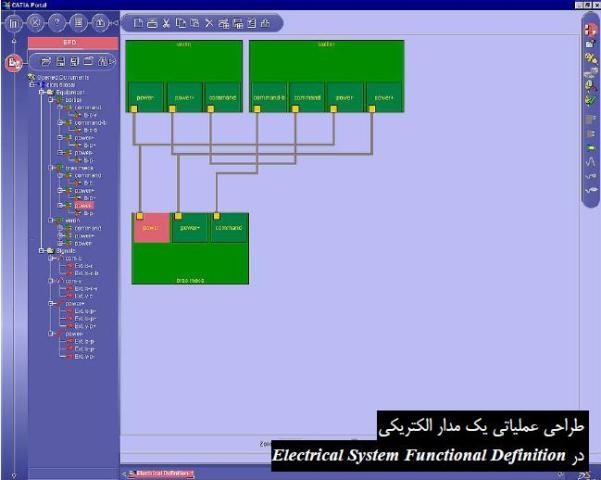
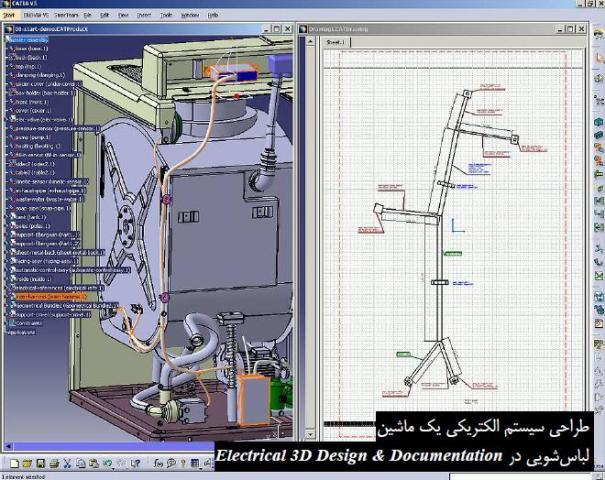
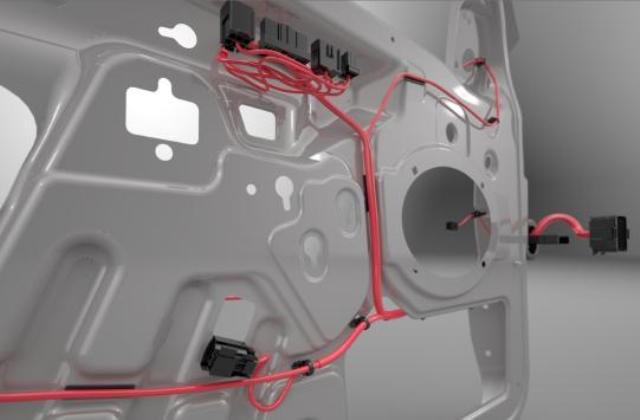
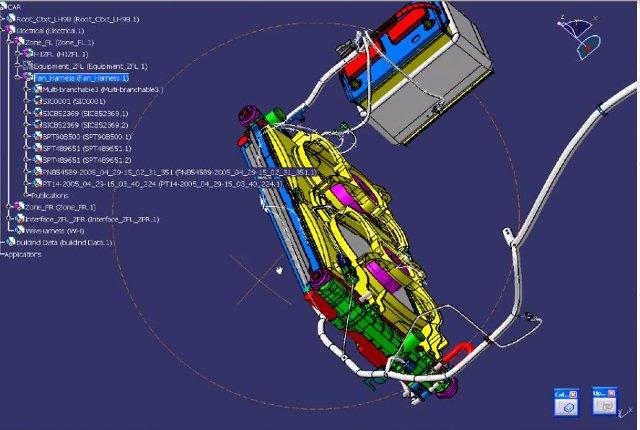
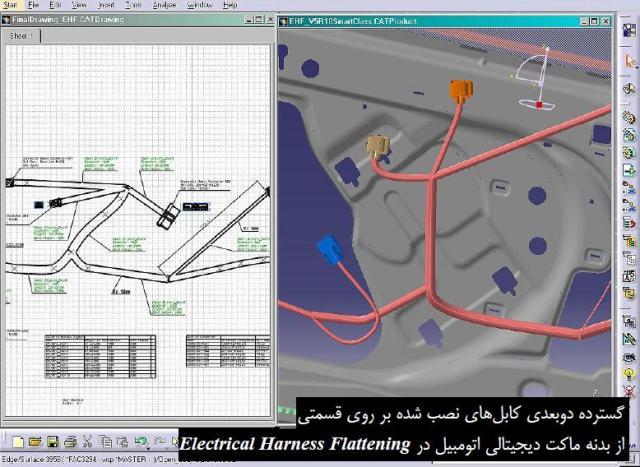
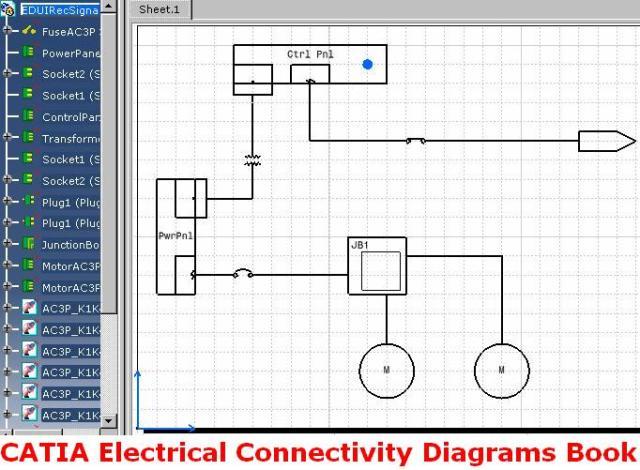
در محیط Electrical Wire Routing نرم افزار کتیا، سيستم كابل هاي يك ماكت ديجيتالي با استفاده از شرح عملياتي طراحي شده در محیط Electrical System Functional Definition، طراحي و مدل مي شود. به نظر مي رسد ايجاد و مديريت سيستم كابل هاي يك ماكت ديجيتالي به دليل پيچيدگي آن از مشكل ترين مراحل طراحي يك ماكت ديجيتالي باشد. پس از تكميل اين مراحل، كاربر مي تواند تمام ارتباط هاي الكتريكي بين تجهيزات را شبيه سازي و صحت عمليات كابل كشي را بررسي كند تا از ارتباط مجموعه ها اطمينان حاصل شود. همچنين مي توان در يك كلاف شامل تعداد زيادي سيم، سيم مورد نظر و اجزاي متصل به آن را يافت. طراح مي تواند با استفاده از شرح عملياتي كه براي سيستم الكتريكي در محیط Electrical System Functional Definition ايجاد كرده است سيستم ارتباطات كابلي را ايجاد و مسير عبور سيگنال را از كابل هاي مدل شده تعيين نماید.
آموزش طراحی سیستم کابل ماکت دیجیتالی در محیط Electrical Wire Routing نرم افزار CATIA، یکی از کتاب های مرجع و کاربردی در زمینه آموزش طراحی و مدیریت سیستم کابل های ماکت دیجیتالی در نرم افزار کتیا می باشد. این کتاب مشتمل بر 249 صفحه، به زبان انگلیسی روان، تایپ شده، به همراه تصاویر رنگی، با فرمت PDF، به ترتیب زیر گردآوری شده است:
Getting Started
Accessing the Workbench
Creating the Bundle
Selecting Systems with External Data
Routing Wires from External Data
User Tasks
Starting
Creating the Session
Creating a Bundle
Defining the Working Context for the Routing
Working with External Data
Selecting Systems
Routing Wires
Routing Equipotentials Automatically
Working with Electrical Functional Definition
Selecting the Signal
Creating a Wire
Routing Wires Automatically
Modifying a Wire Route
Deleting a Wire
Working with Signal Routes
Reconciling Objects
Creating a Signal Route
Deleting a Signal Route
Electrical Integration Scenarios
Electrical Integration from External Data
Environment Settings
Setting up the Electrical Process Interfacing
Selecting Systems from External Data
Placing Devices from External Data
Creating the Cable Harness
Placing Internal Splices
Automatic Routing
Exporting Data from CATIA
Electrical Integration from Functional Data
Working with Wire Connections
Creating a Wire Connection
Moving a Wire Connection
Deleting a Wire Connection
Merging Wire Connections
Splitting Wire Connection
Accessing Data From Catalog Using Electrical Library
Getting Wire References
Resolving Internal Splices
Exporting Wires
Managing the Wire Extremities
Simulating the Routing
Managing Pathway/Signal Compatibility with Knowledgeware during Automatic Routing
Filtering Wires Based on External Configuration System
Editing Electrical Properties
Viewing Related Objects
Electrical and Knowledge
Electrical User Functions
Electrical Package in Knowledge Expert
Electrical Application Interoperability
ENOVIA V5 Interoperability
Working with Electrical Data
Optimal CATIA PLM Usability
Using ENOVIA Catalog for Electrical Mapping
Loading an iXF Document with VPM Navigator
Workbench Description
Menu Bar
Toolbars
Specification Tree
Electrical Workbench Specification Tree
Customizing
Electrical Wire Routing
Electrical Mapping
Electrical Process Interfacing
Using Compatibility Table
Cache Management
Electrical Data Exchange Format
Describing the iXF Electrical Schema
Considering the iXF Schema in Greater Depth
Glossary
جهت دانلود آموزش طراحی سیستم کابل ماکت دیجیتالی در محیط Electrical Wire Routing نرم افزار CATIA برلینک زیر کلیک نمایید:
آموزش کتیا، طراحی سیستم کابل ماکت دیجیتالی در محیط Electrical Wire Routing نرم افزار CATIA






 تکنولوژی ماشینکاری
 ماشین های ابزار
 راهنمای قوی و جامع سالیدورکس 2015 برای کاربران مبتدی و سطح متوسط
 اصول تفکیک آپارتمان ها و نحوه کار با نرم افزار واسط کاداستر
 روش های اجزاء محدود مقدماتی پروفسور عیسی سلاجقه
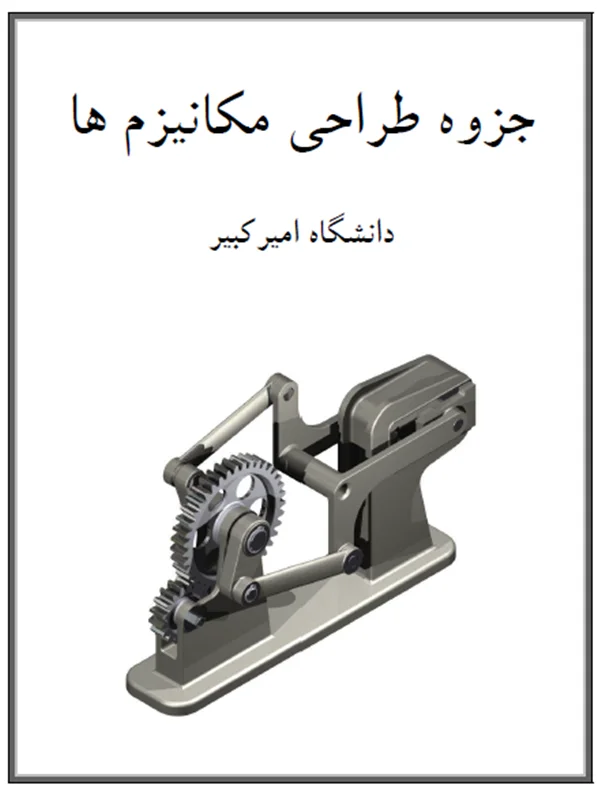 جزوه آموزشی درس طراحی مکانیزم های دانشگاه امیر کبیر
 آموزش انسیس، کتاب آموزش مدلسازی، آنالیز سازه ای، حرارتی، میدان های کوپله در نرم افزار انسیس Ansys
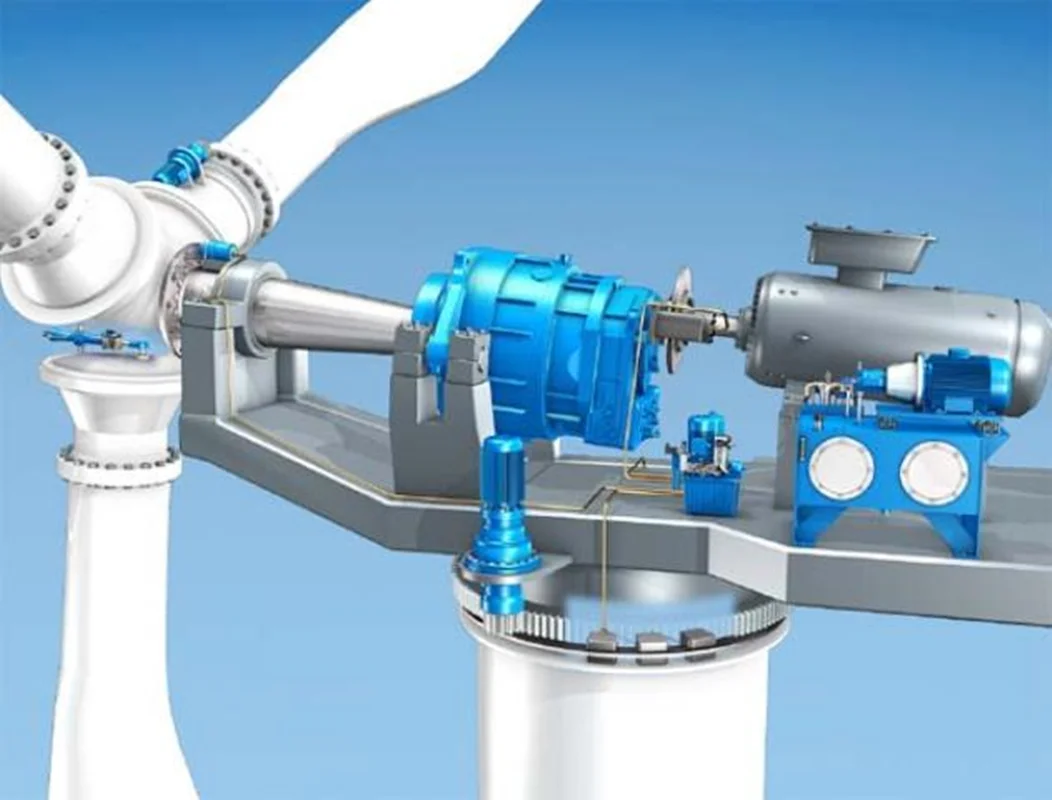 پروژه مدلسازی و شبیه سازی توربین بادی مجهز به DFIG و STATCOM
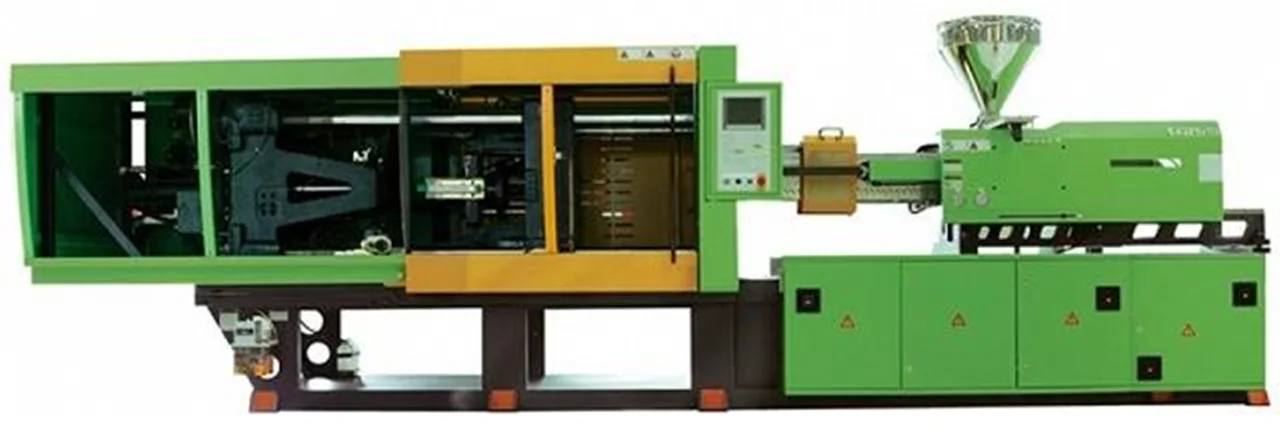 کتاب ماشین های تزریق پلاستیک
 آموزش کتیا، جزوه آموزش مهندسی معکوس (Reverse Engineering) با نرم افزار کتیا CATIA
 دانلود نرم افزار چیدمان اتوماتیک و بهینه سازی ورق جهت برش با پلاسما، CNC، هواگاز و واترجت ProNest
 جزوه درس اجزاء محدود (Finite Element Method)
 پروژه با عنوان: طراحی و ساخت دستگاه ثبت کننده سیگنال الکترومایوگرام دو کاناله و مدلسازی فعالیت ایز�
 کتاب آموزش الگوریتم های مولد، مفاهیم و آزمایش: بافندگی (Generative Algorithms - Weaving)
 کتاب مهندسی و طراحی آویز لوله